
Release packages
Available in:BasicAdvancedTeam
A Release package freezes a reviewed state of the project — with all object, media and translation versions. The package no longer changes, even while work on the project goes on. Developers download it and import it into their engine.
The Manage → Release packages page appears when the project has ticked the area Git & Engine Export under Sections in the navigation (see Projects).
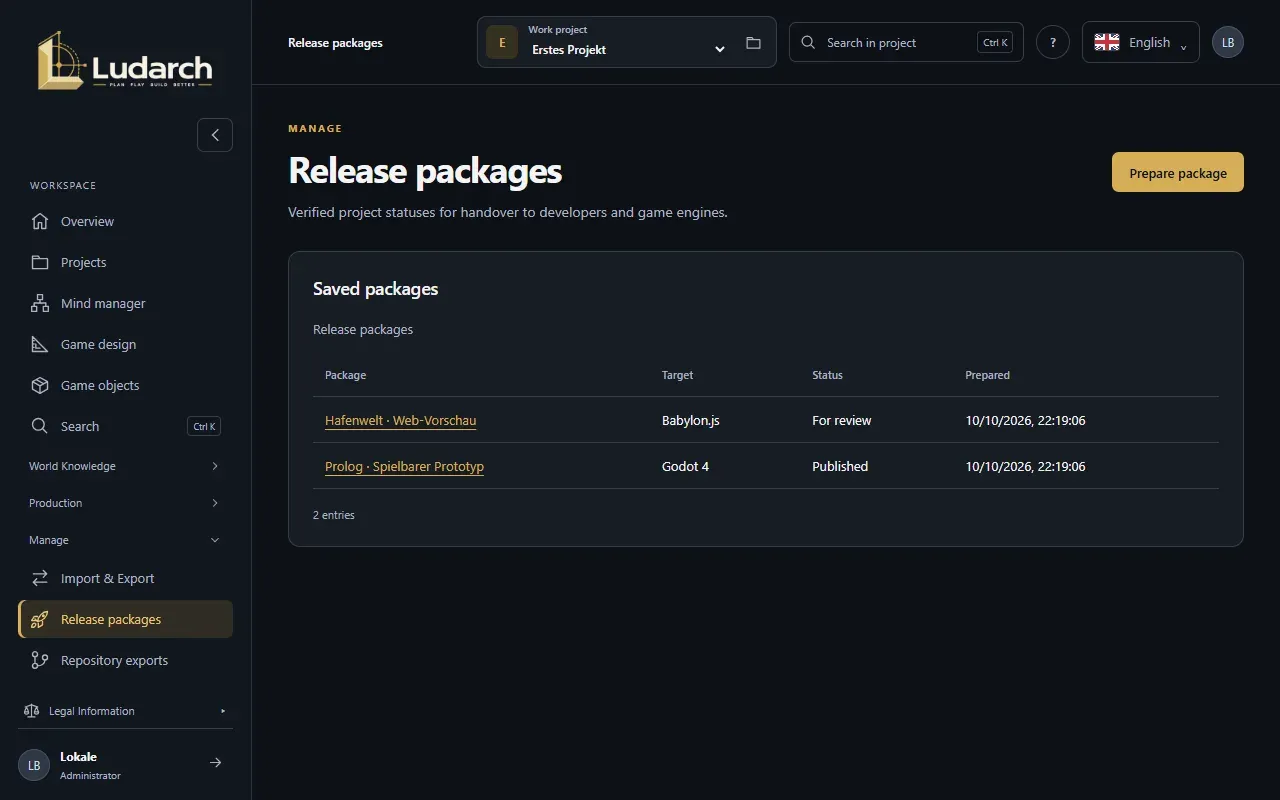
Prepare a package
Section titled “Prepare a package”- Click Prepare package.
- Enter the Package name.
- Choose the Target profile: Neutral data package, Godot 4 or Babylon.js.
- Under Additional dialogue languages, enter more languages, for example
en, fr. The source language is always included. For any other language, all dialogue texts must be fully translated and up to date. - Click Prepare and check the package.
The package contains the whole available project state, including planning data, references and archived content. Check content and usage rights before you pass it on. Private source and licence notes and login details are not included.
Check a package
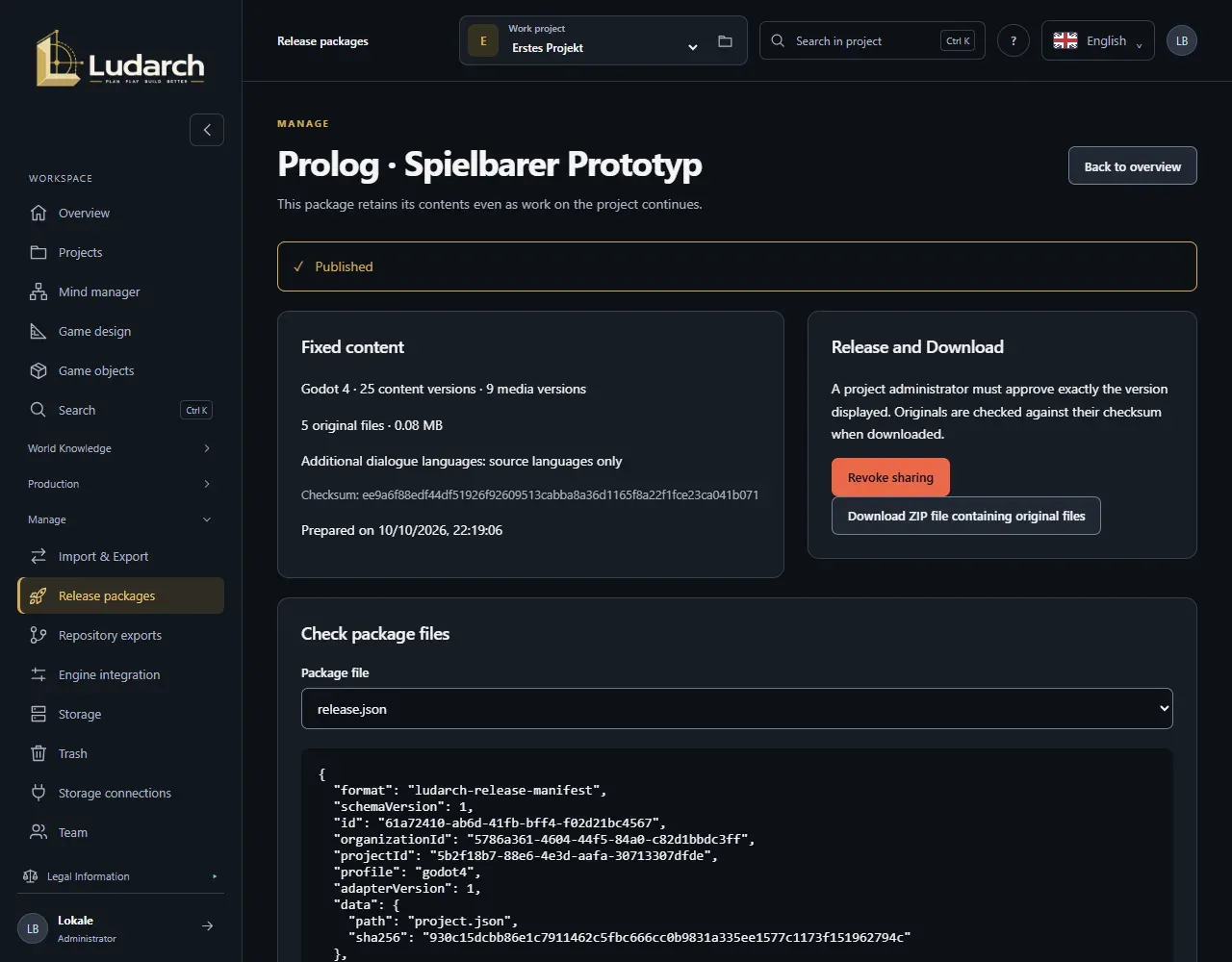
Section titled “Check a package”Under Fixed content, the package page shows the profile, the number of versions, the original files, the size and the checksum. Under Check package files, choose a Package file to see its content.
Release and download
Section titled “Release and download”- A project administrator clicks Release package ….
- In the dialog, they enter a Reason, tick the box and click Release the verified package.
- After that, everyone in the project can use Download ZIP file containing original files.
During the download, Ludarch checks every original file against its checksum, so the storage holding the originals must be reachable. If a download fails, download the ZIP again and do not use an incomplete file.
Revoke a release
Section titled “Revoke a release”With Revoke sharing (the button withdraws the release), a project administrator blocks further downloads. Files that were already downloaded remain outside Ludarch. A revoked package cannot be released again — prepare a new one instead.
Import into the engine
Section titled “Import into the engine”Engine profiles transfer data and embedded GLB models. They do not build a finished game and do not render videos or music mixes. Developers read the package into Godot 4 or Babylon.js and report the import back with the Ludarch developer tool. Reported imports appear under Reported engine imports.