
Search
Available in:BasicAdvancedTeam
Search looks through the project you are working in.
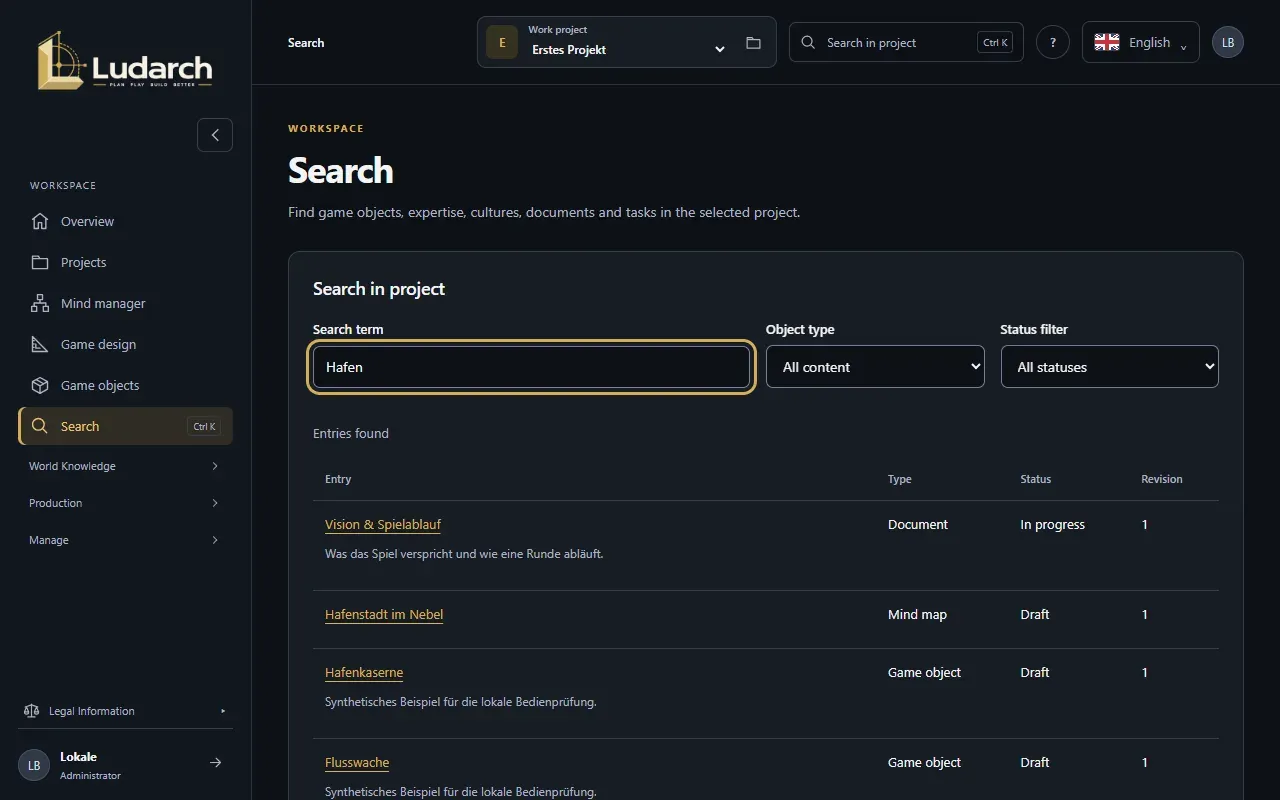
- Press Ctrl+K (Cmd+K on a Mac), click Search in project in the top bar or Search in the sidebar. The cursor is already in the Search term field.
- Type a word from the title or text. Results appear while you type.
- Narrow the results with Object type — All content, cultures, documents, tasks, game objects, sources & expertise, mind maps or relationships — and with the Status filter, whose choices depend on the type.
- Click a result to open it.
Results show an excerpt, the type, the status and the revision, 25 per page. Refresh results searches again, for example after a colleague saved something.
The type Relationships lists links between cultures: from where, to what, and whether they are active.